rizzit
Compare length and shape, not just the size label
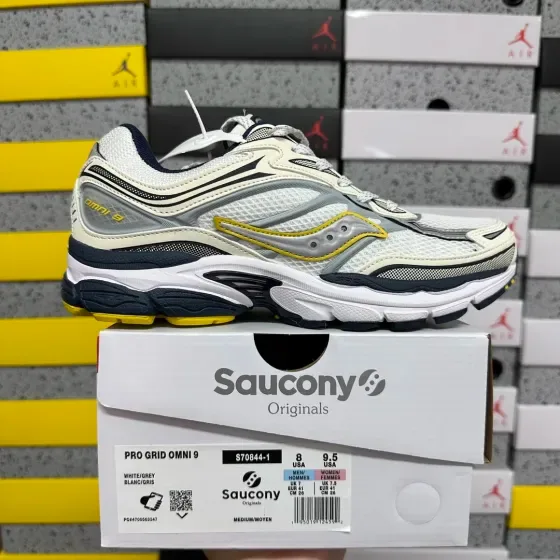
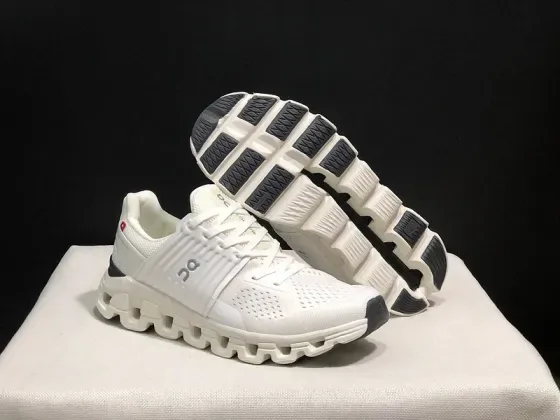
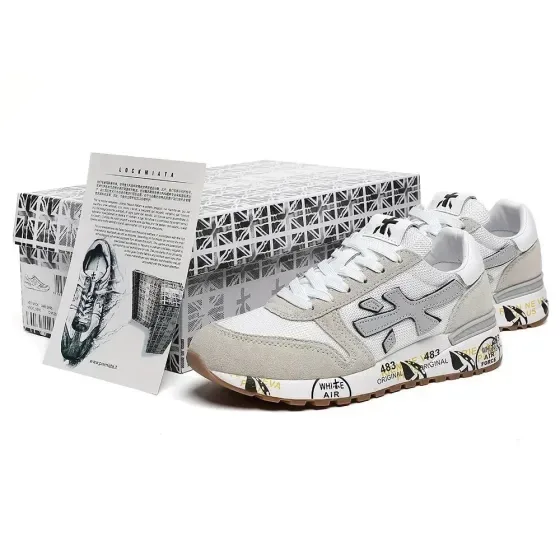
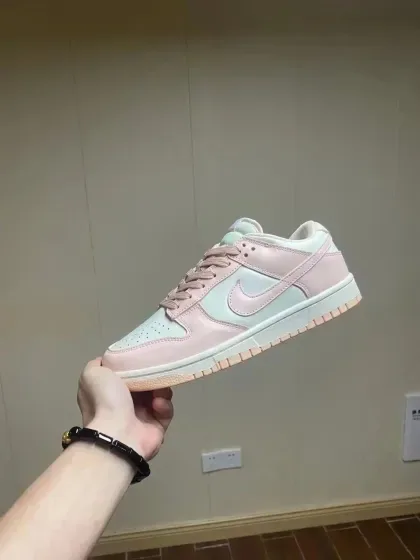
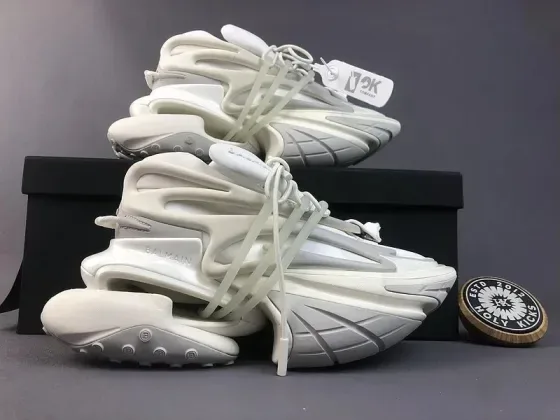
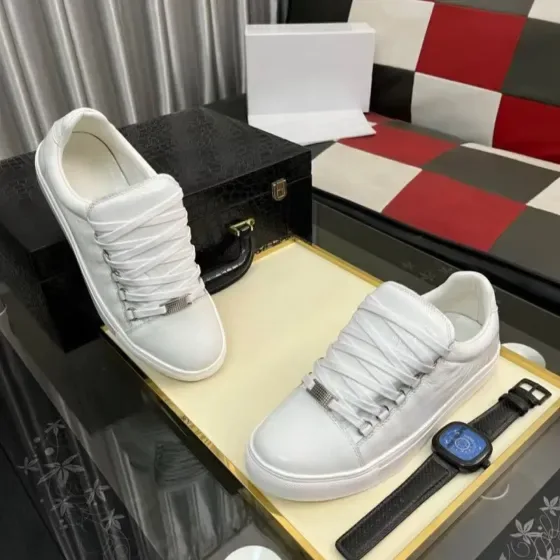
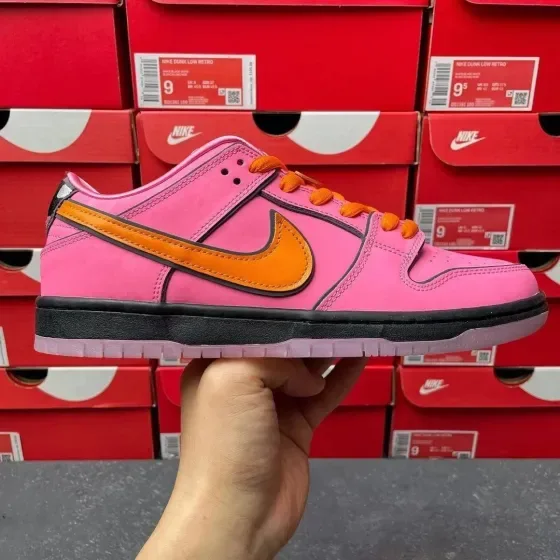
EU, UK and US labels can differ between charts. Use the seller’s chart for that exact listing, and distinguish foot length from insole length. For warehouse photos, ask for both shoes together and a clear side profile; one angled image makes symmetry hard to judge.
A practical comparison
Suppose a chart lists 27 cm: first establish whether that means recommended foot length or the measured insole. Those values are not interchangeable. Compare a measurement taken the same way on a pair you already wear before selecting a size.
Measurement examples explain the method; they are not specifications for a listed product.
Sneakers checklist before ordering
- Compare the seller’s size chart and any insole measurements with a pair that fits you.
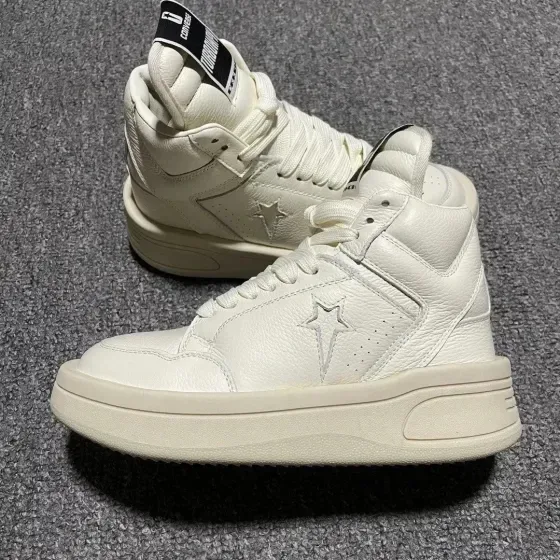
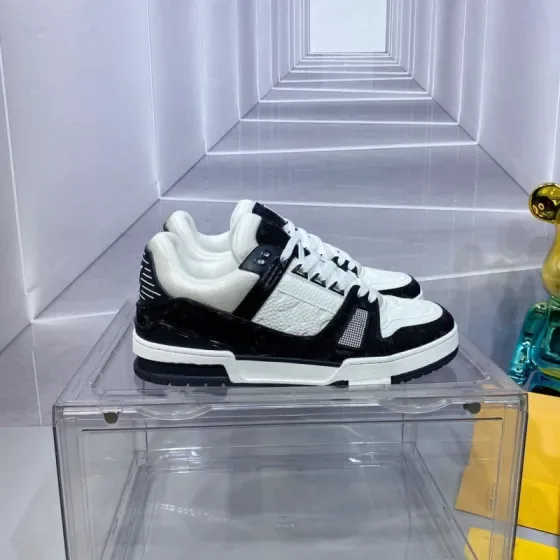
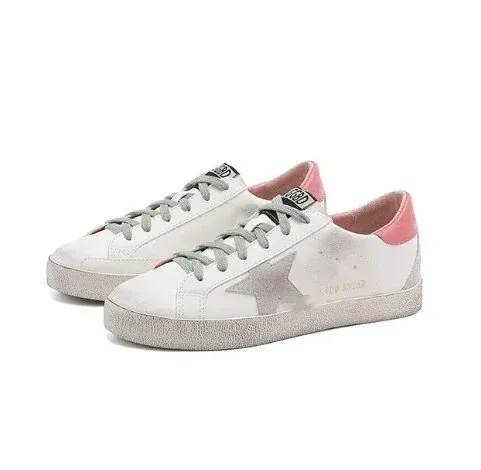
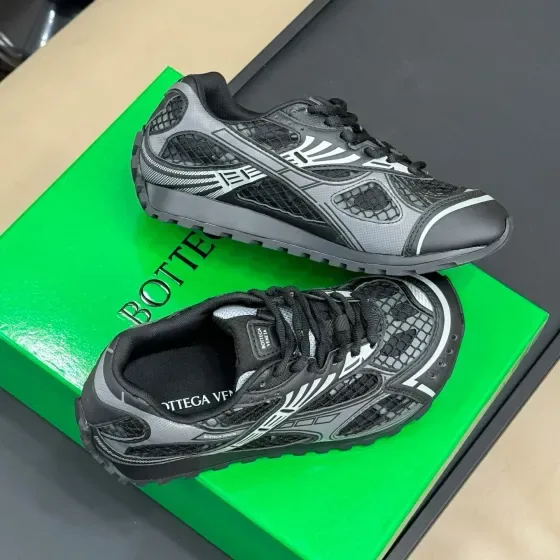
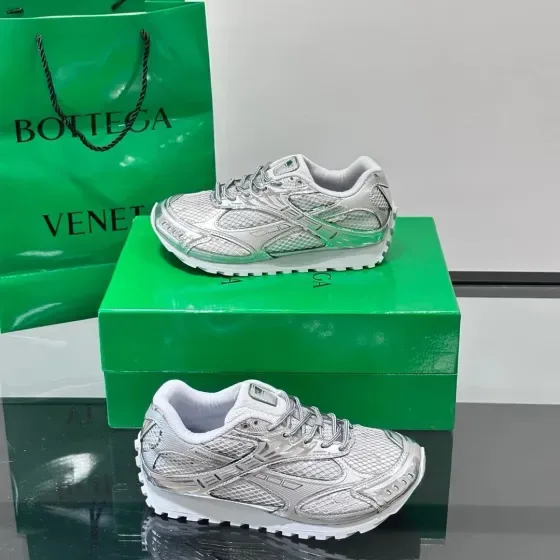
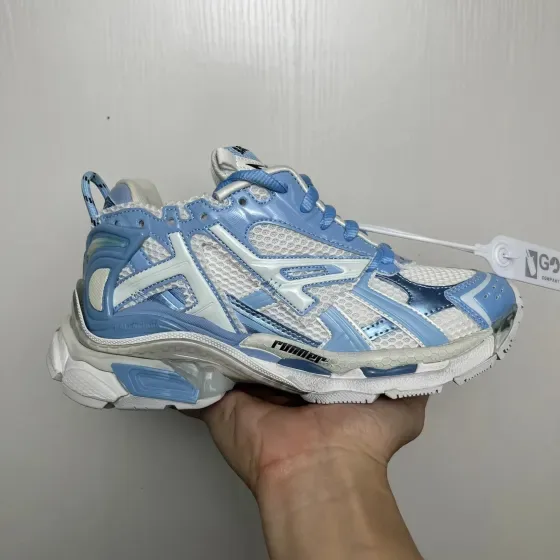
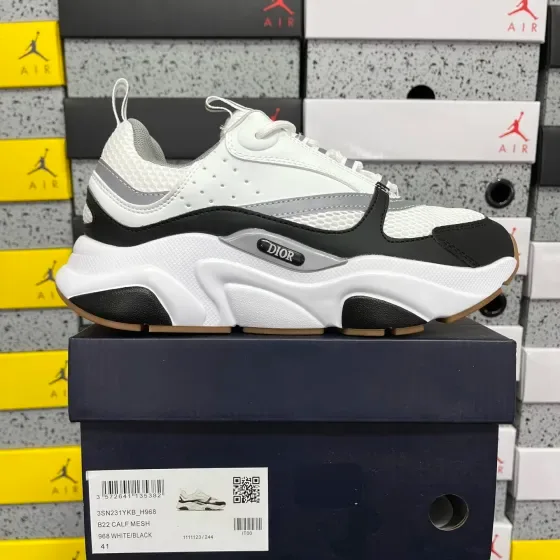
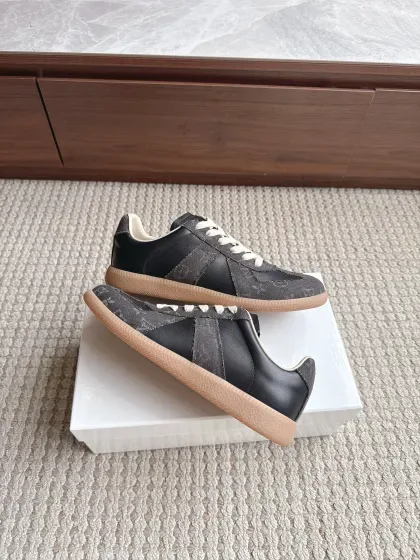
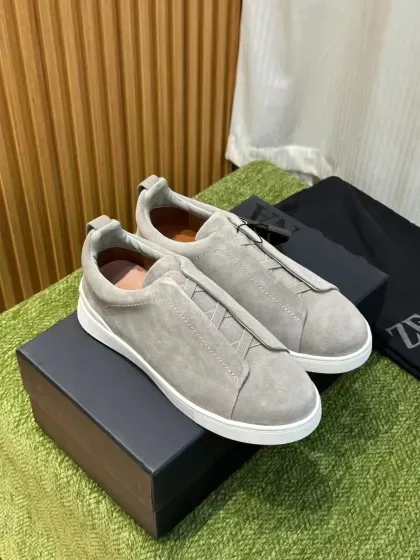
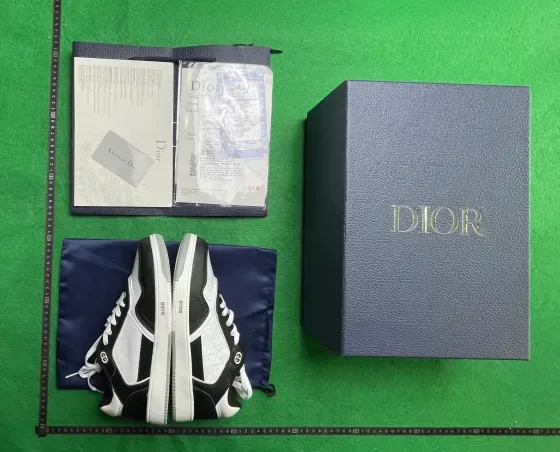
- Look at both shoes, the heel shape, sole alignment and visible stitching in available QC photos.
- Check whether the quoted weight includes the shoe box before planning international delivery.
Search by the detail that matters
Once you know the fit or feature you need, use a more specific search. These suggestions open shared FindsIndex results; they do not automatically select RizzitGO.
Keep the original link with your shortlist
Save the seller URL, selected variant and the measurements you compared. Check the available RizzitGO option on the destination product page, then confirm item acceptance and delivery with the provider. Our spreadsheet tutorial walks through a product-page example.
For another starting point, return to the RizzitGO spreadsheet or read the QC photo checklist before approving warehouse items.
Have a specific item in mind?
Searches the shared FindsIndex catalogue. Select your agent on the destination site.