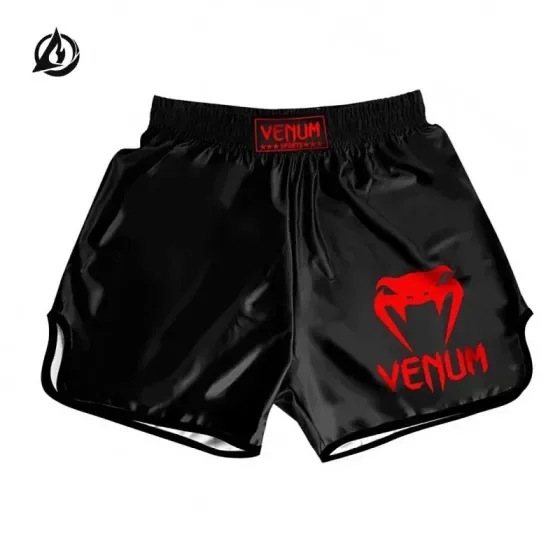
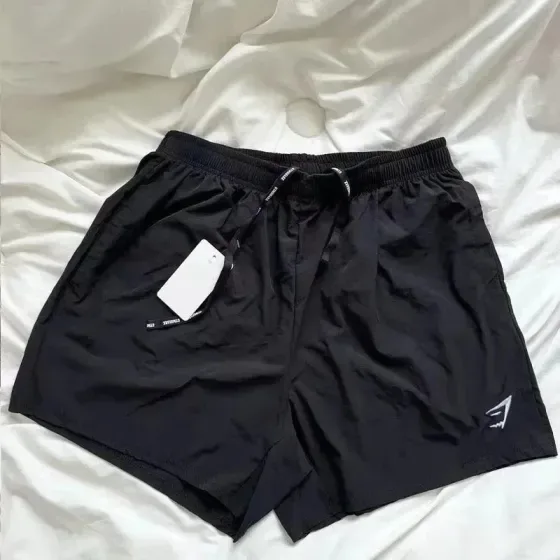
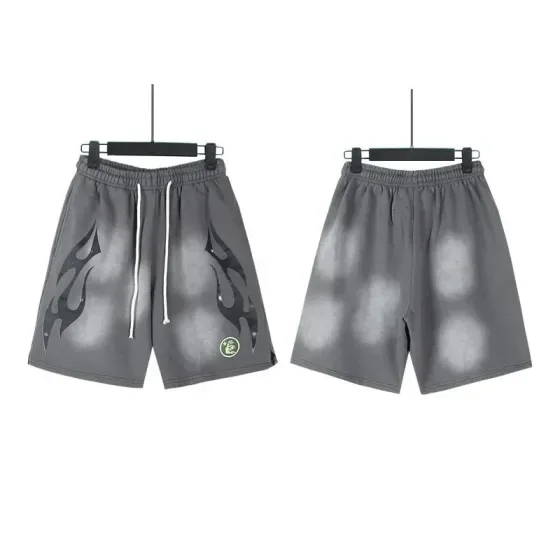
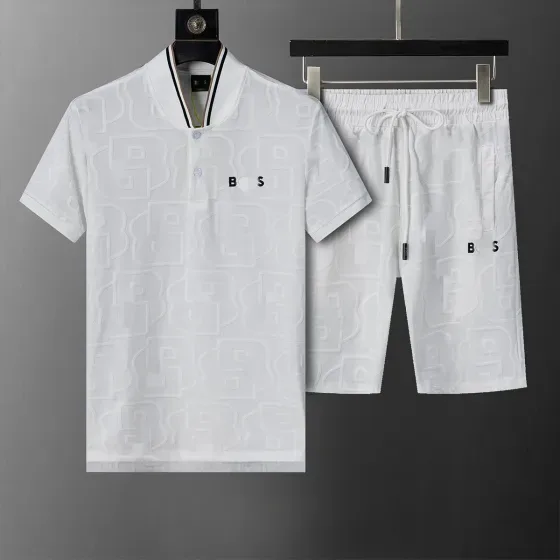
rizzit
Check what the length figure actually measures
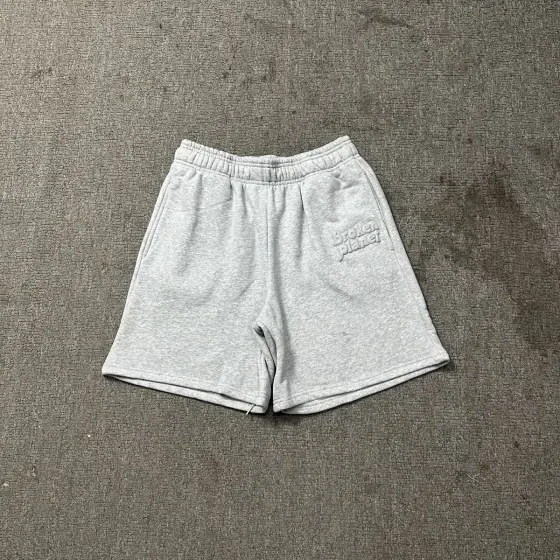
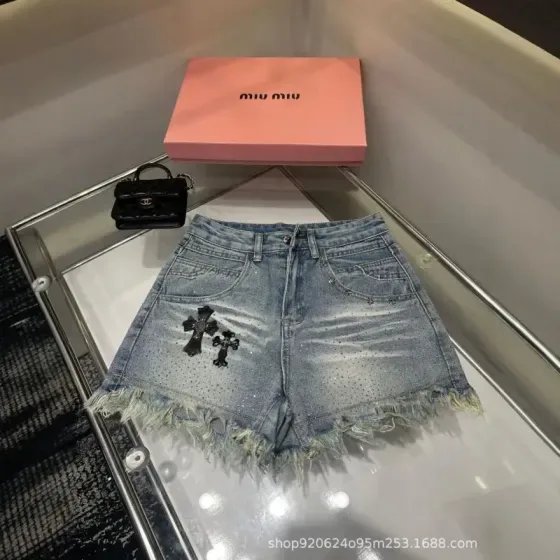
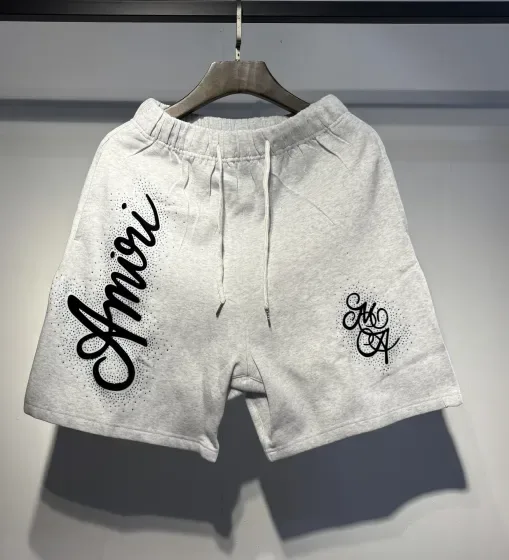
A five-inch inseam does not describe total length or rise. For sports and swim styles, find out whether the garment has a liner, whether pockets drain or close, and what material is specified. Those details cannot be established from the category label.
A practical comparison
Measure the inner seam of shorts you already wear, then compare waist and rise separately. If a listing gives only a total length, request an inseam measurement before deciding it matches the cut you want.
Measurement examples explain the method; they are not specifications for a listed product.
Shorts checklist before ordering
- Compare waist range, rise, inseam and leg opening rather than just the size label.
- Confirm whether there is a lining and whether pockets have zips or other closures.
- Review the material and care information if you need stretch or quick-drying fabric.
Search by the detail that matters
Once you know the fit or feature you need, use a more specific search. These suggestions open shared FindsIndex results; they do not automatically select RizzitGO.
Keep the original link with your shortlist
Save the seller URL, selected variant and the measurements you compared. Check the available RizzitGO option on the destination product page, then confirm item acceptance and delivery with the provider. Our spreadsheet tutorial walks through a product-page example.
For another starting point, return to the RizzitGO spreadsheet or read the QC photo checklist before approving warehouse items.
Have a specific item in mind?
Searches the shared FindsIndex catalogue. Select your agent on the destination site.