rizzit
Use item-specific dimensions for small accessories
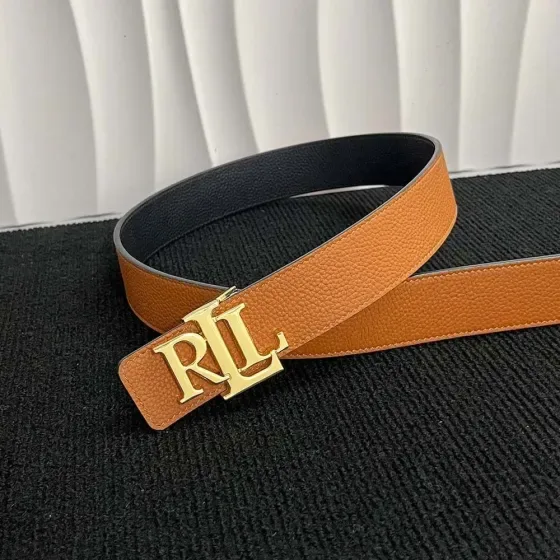
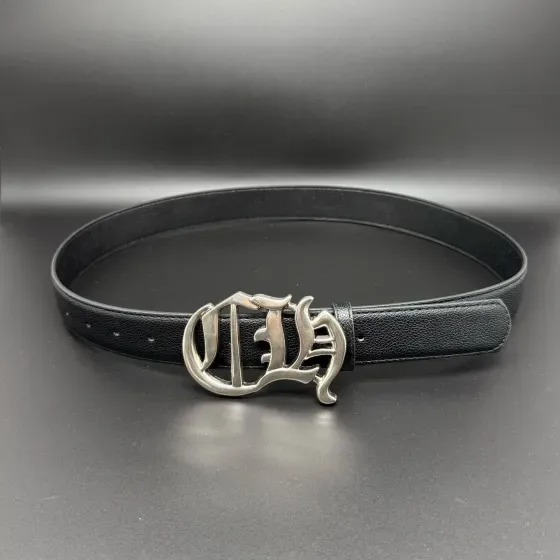
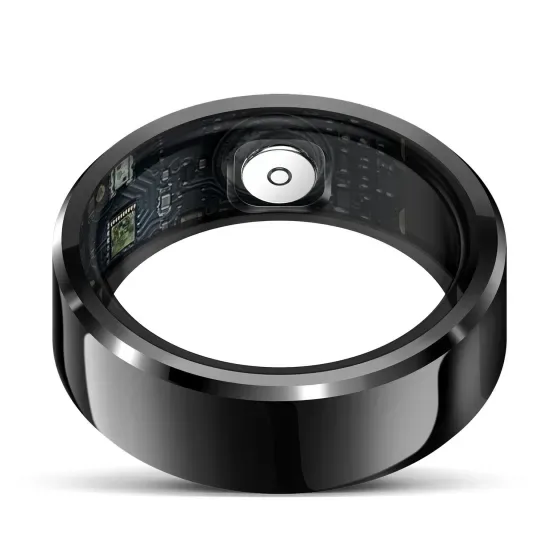
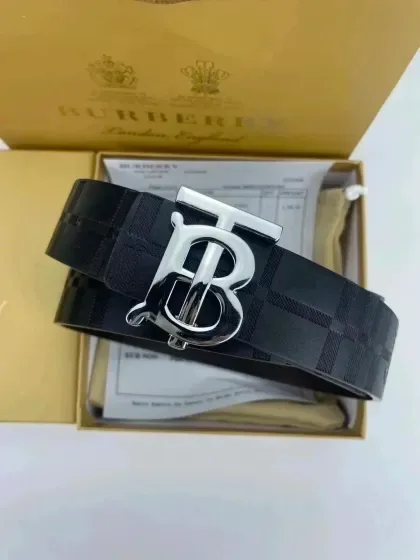
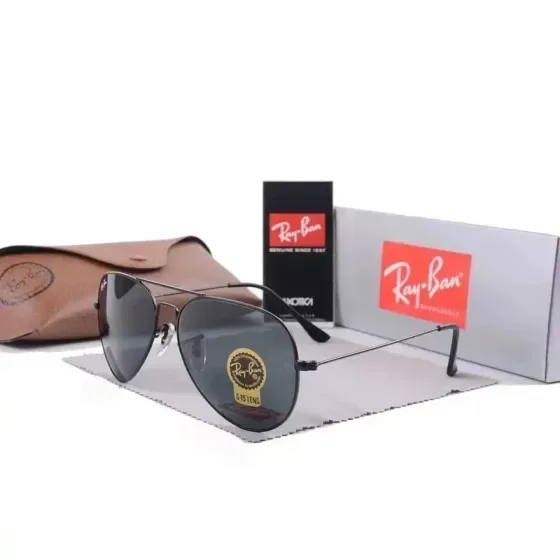
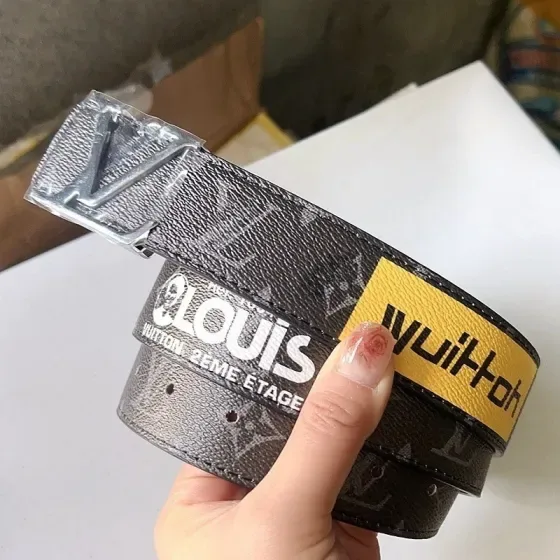
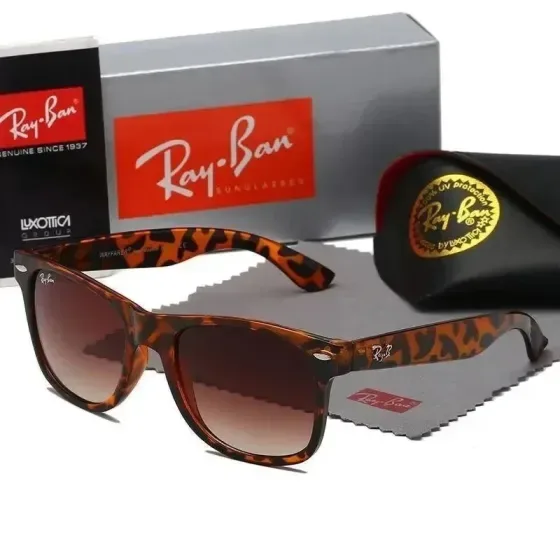
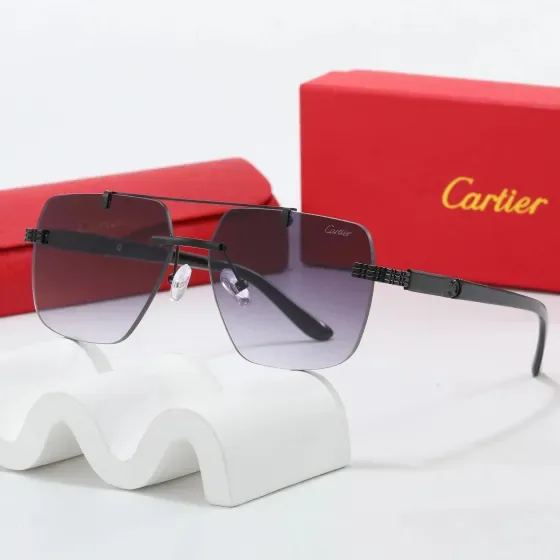
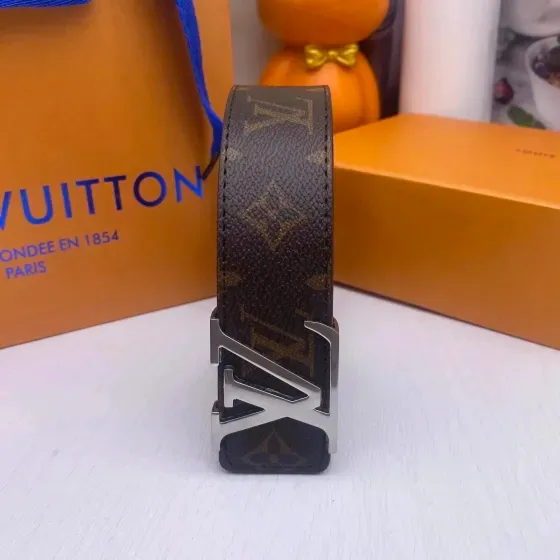
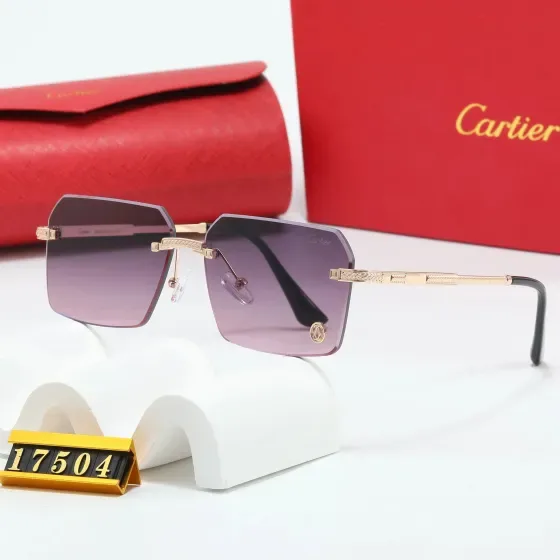
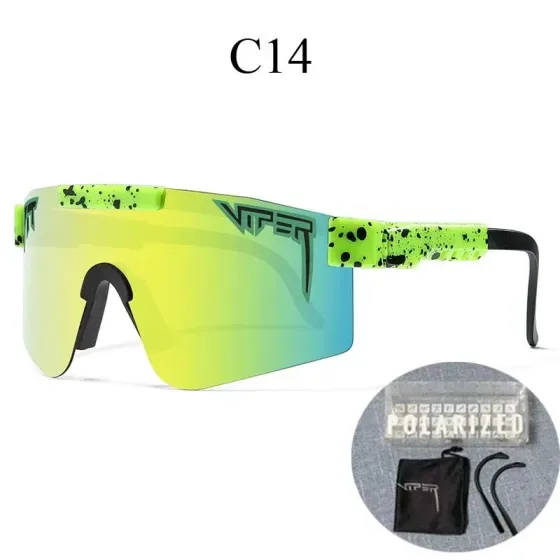
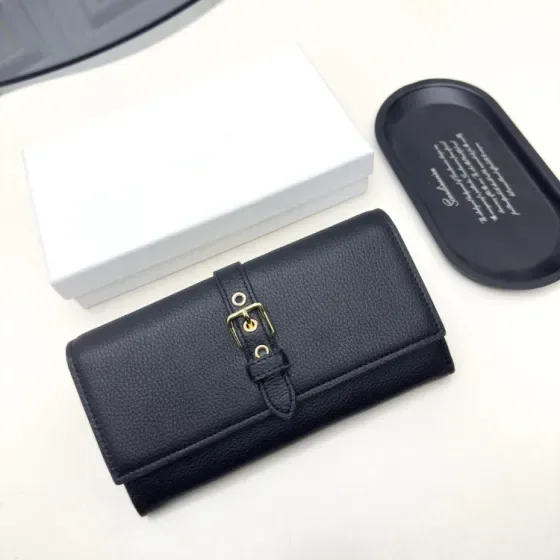
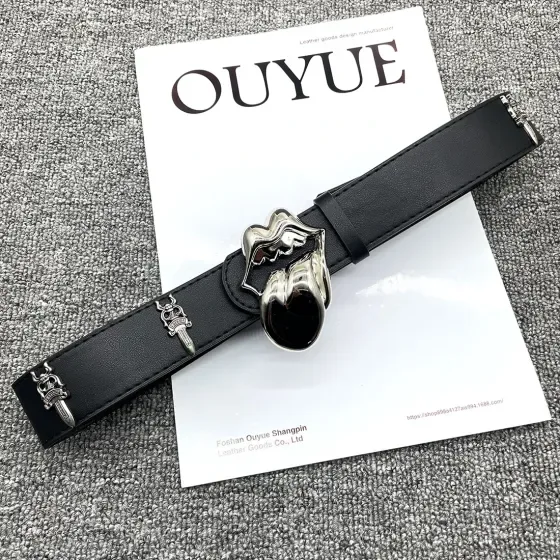
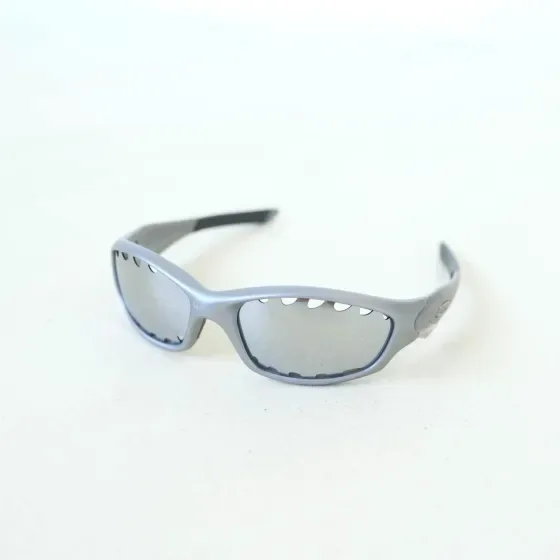
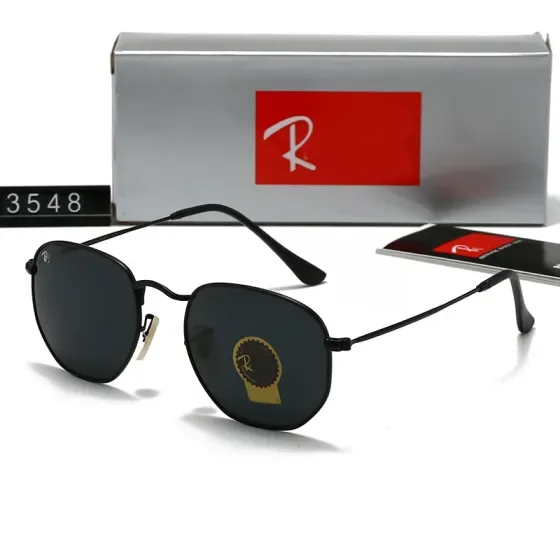
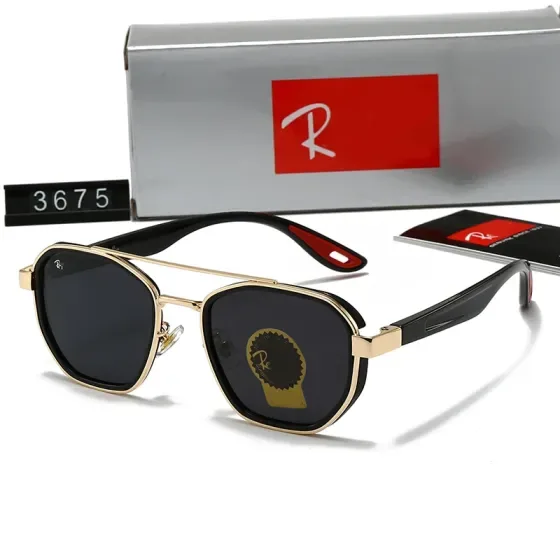
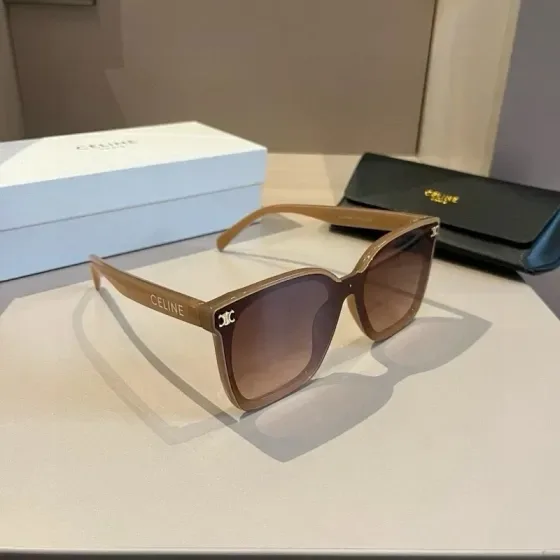
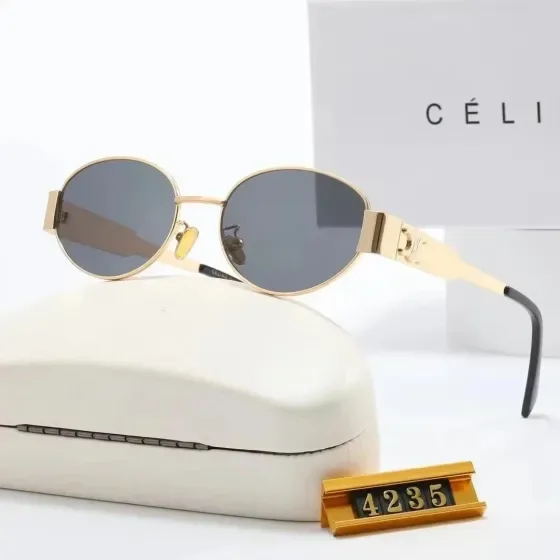
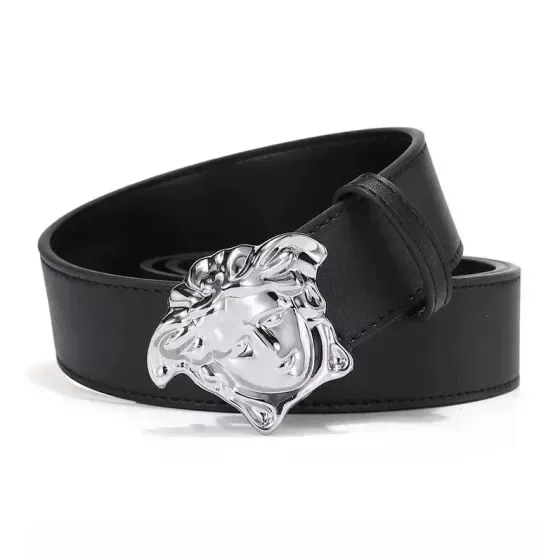
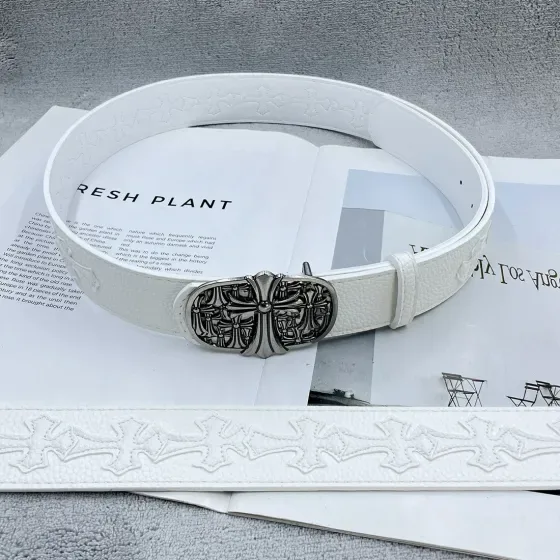
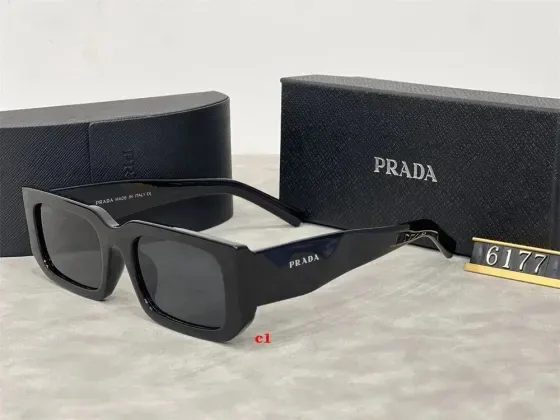
For a belt, check how length is measured and where the usable holes sit. For eyewear, frame width, bridge and temple dimensions affect fit. A photo can show a hinge or clasp but cannot verify a material, lens performance or a functional claim.
A practical comparison
When comparing belts, distinguish total strap length from the distance between the buckle and the middle adjustment hole. Compare the same measure on a belt you own, and confirm whether the buckle is included in the seller’s number.
Measurement examples explain the method; they are not specifications for a listed product.
Accessories checklist before ordering
- Compare actual dimensions, fit ranges and material information before choosing.
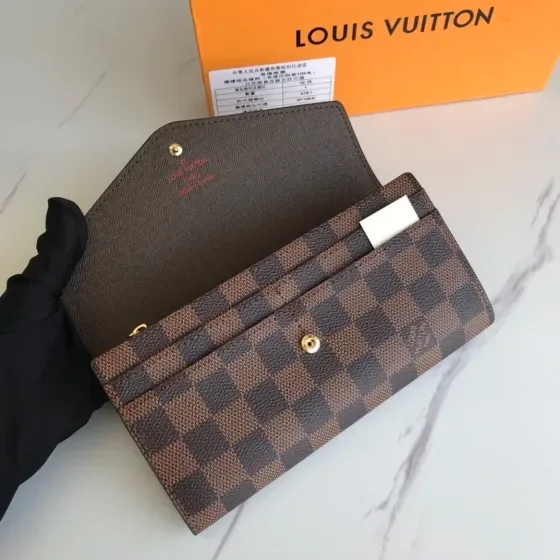
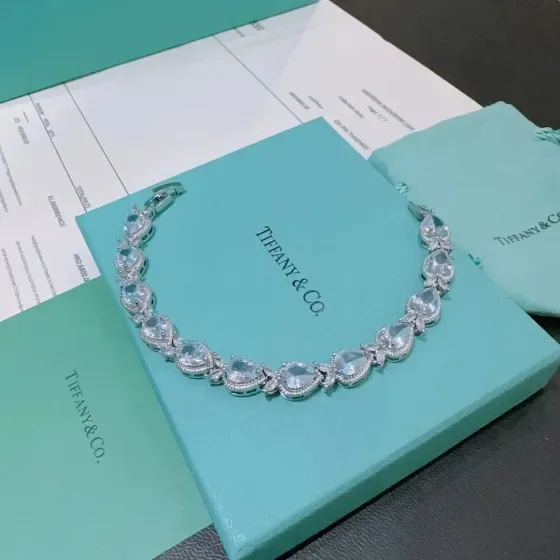
- Inspect clasps, hinges, edges and other small moving parts in available photos.
- Ask the provider about item-specific shipping restrictions when materials are unclear.
Search by the detail that matters
Once you know the fit or feature you need, use a more specific search. These suggestions open shared FindsIndex results; they do not automatically select RizzitGO.
Keep the original link with your shortlist
Save the seller URL, selected variant and the measurements you compared. Check the available RizzitGO option on the destination product page, then confirm item acceptance and delivery with the provider. Our spreadsheet tutorial walks through a product-page example.
For another starting point, return to the RizzitGO spreadsheet or read the QC photo checklist before approving warehouse items.
Have a specific item in mind?
Searches the shared FindsIndex catalogue. Select your agent on the destination site.