rizzit
Keep the season, cut and customisation together
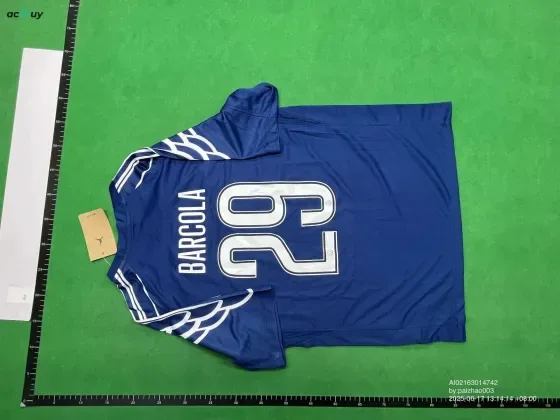
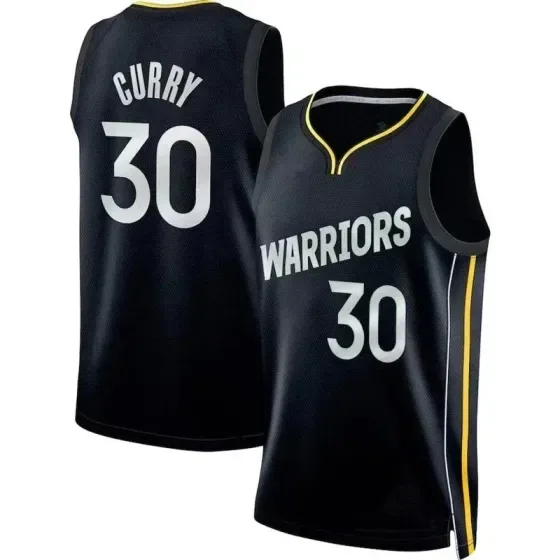
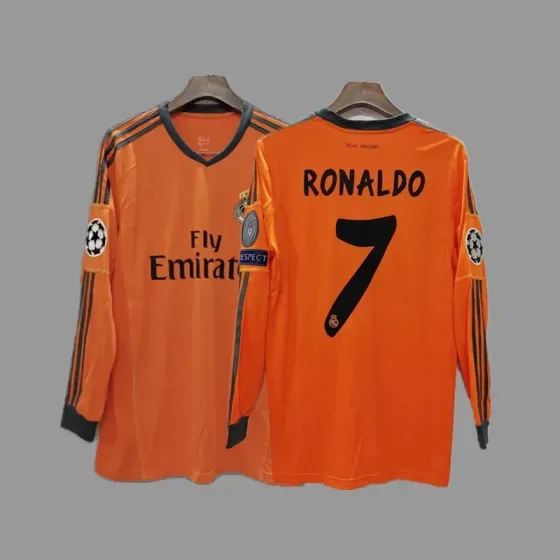
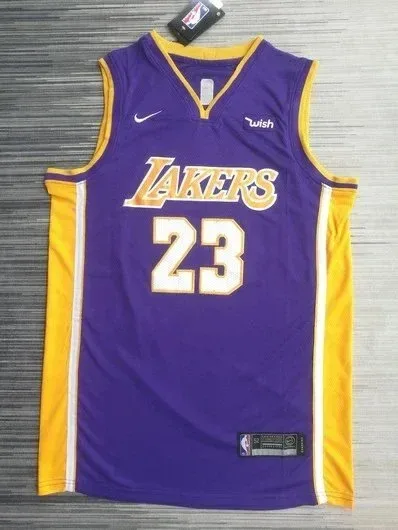
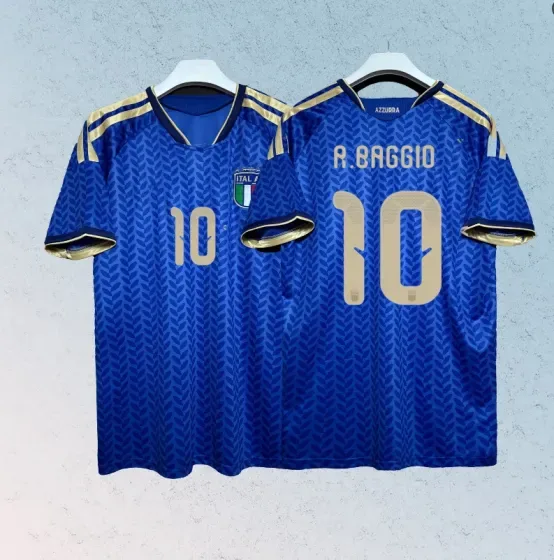
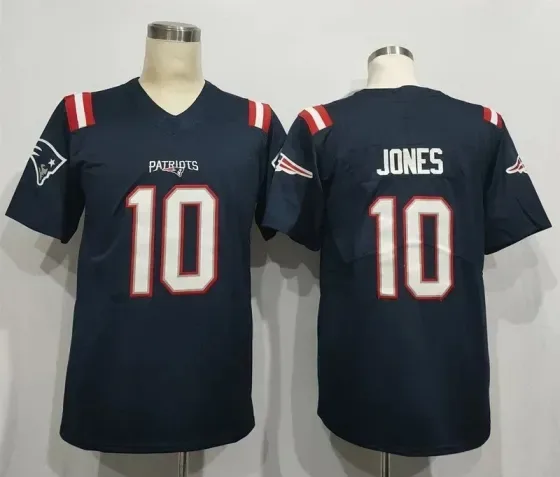
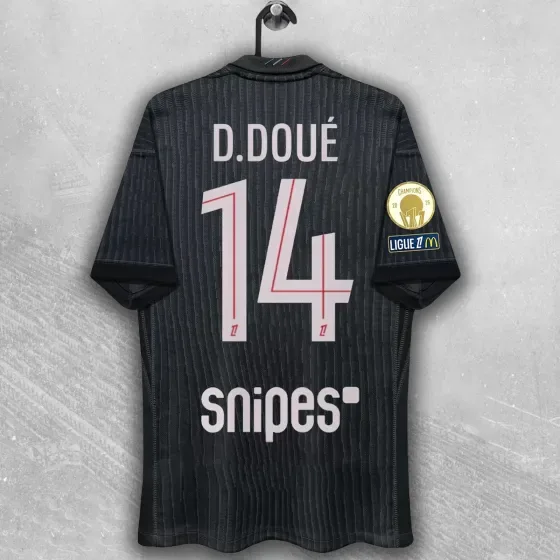
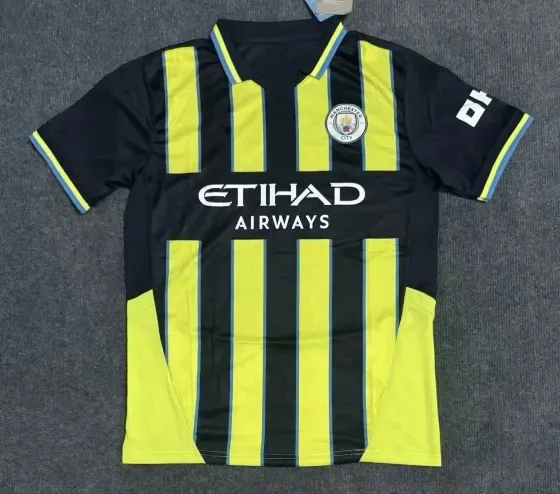
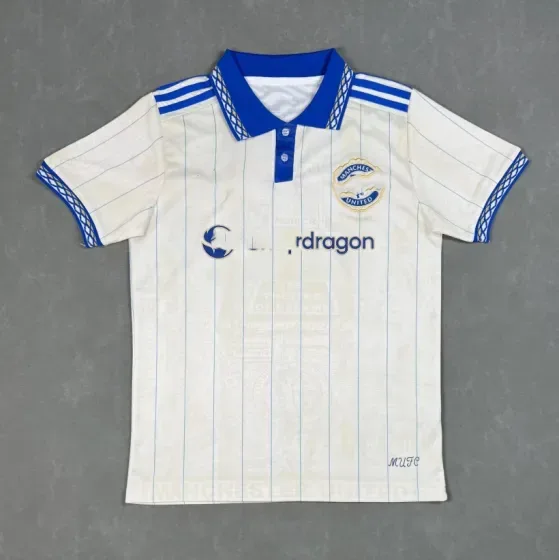
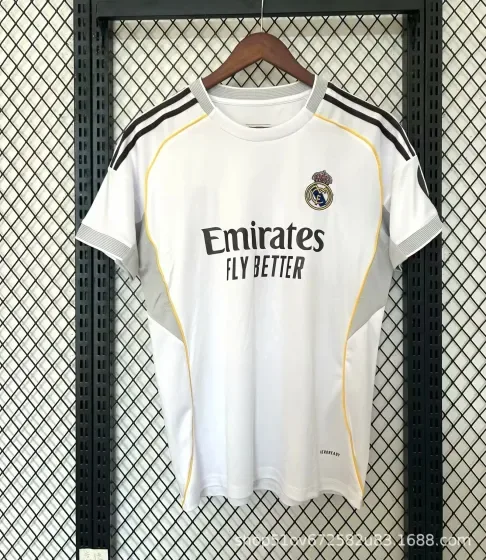
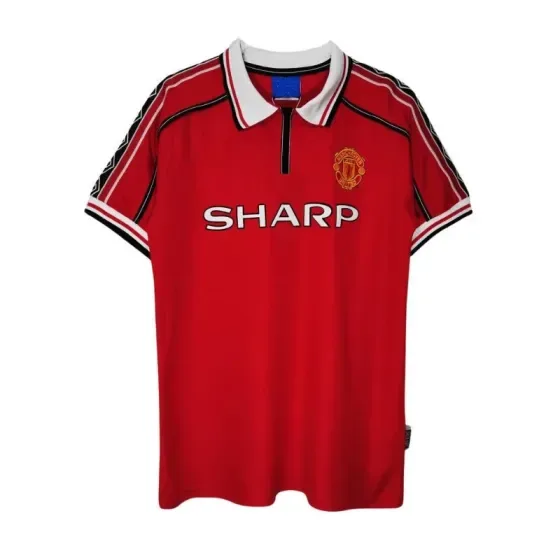
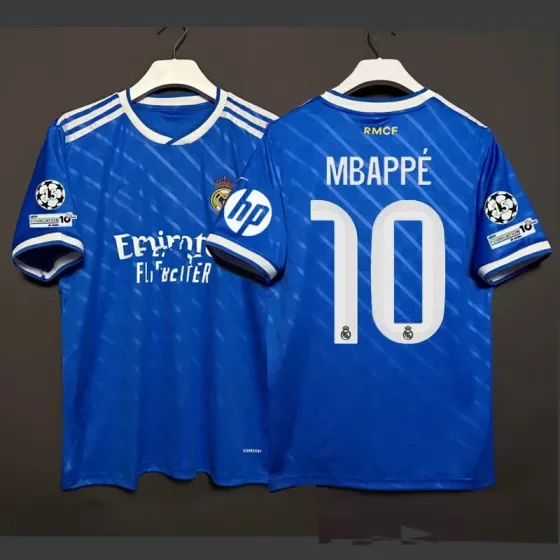
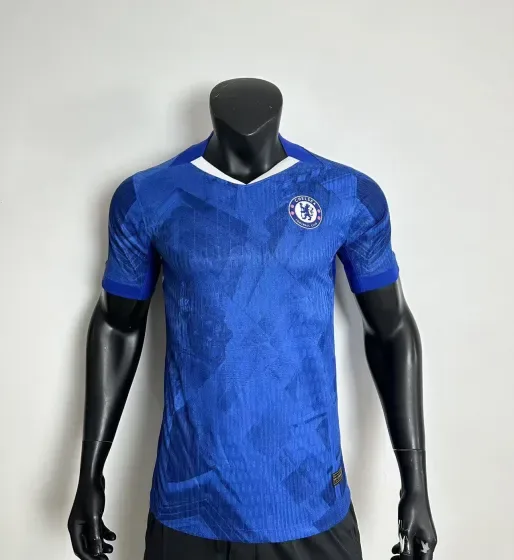
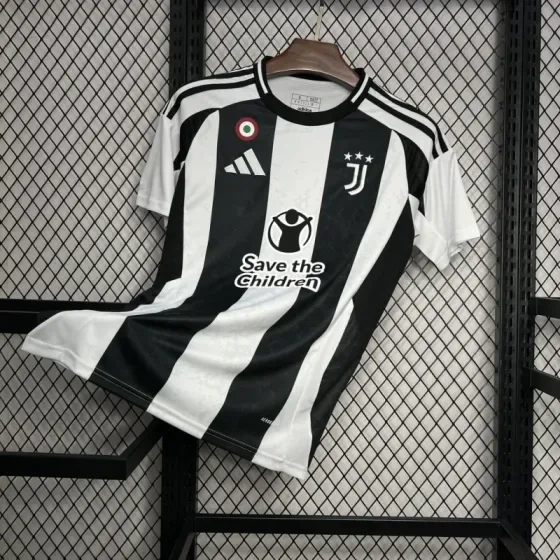
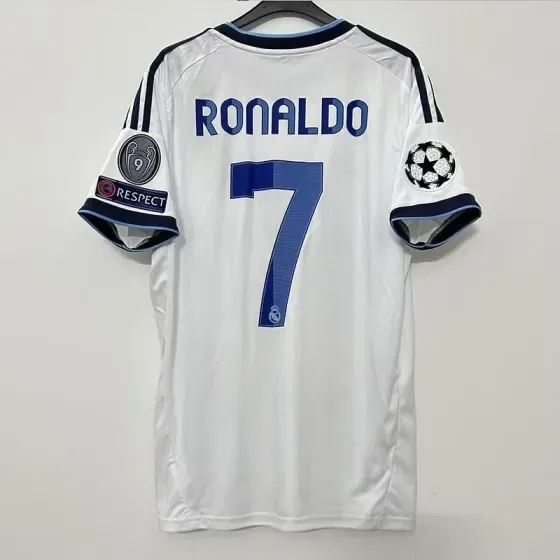
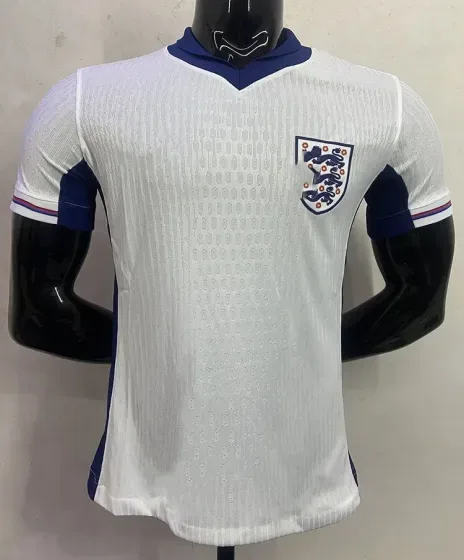
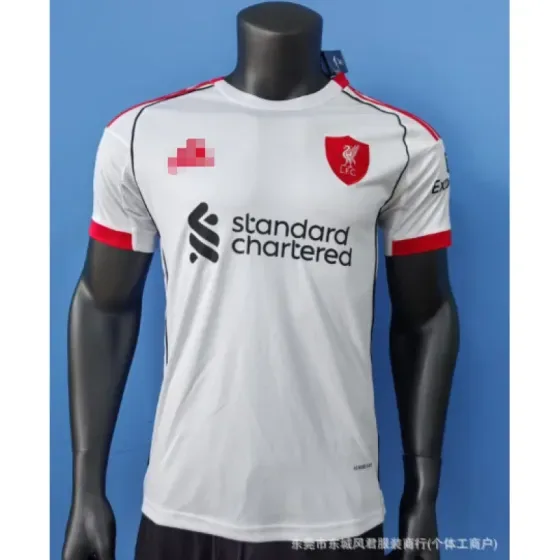
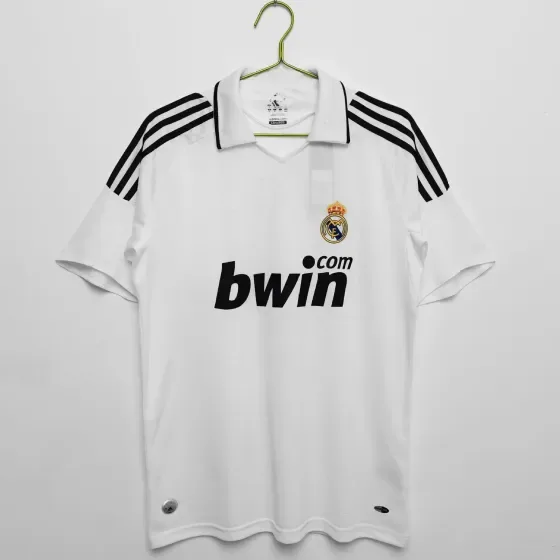
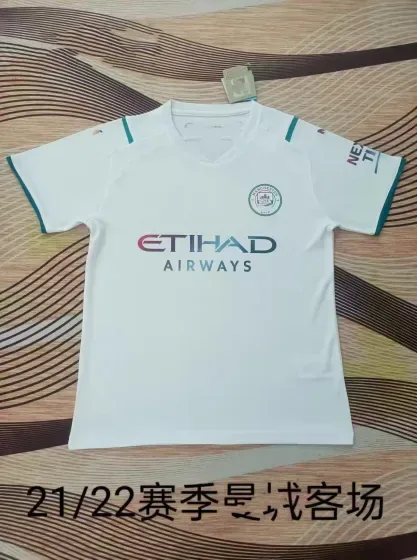
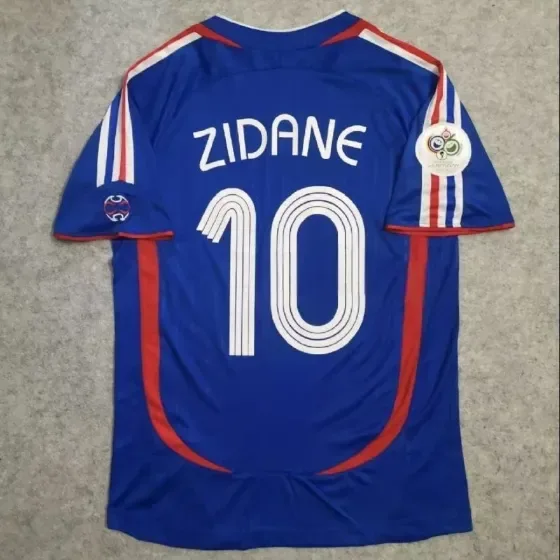
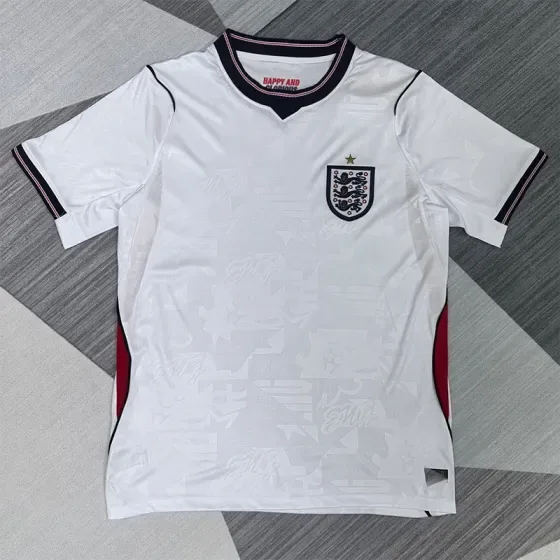
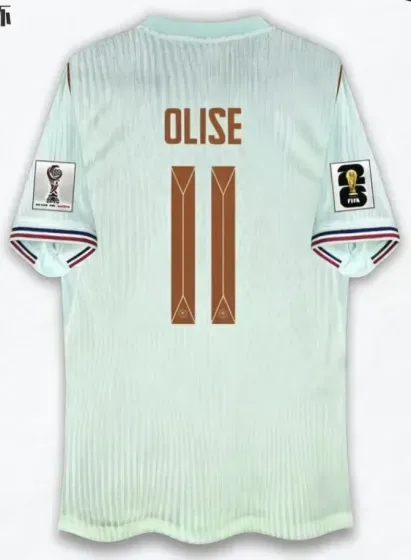
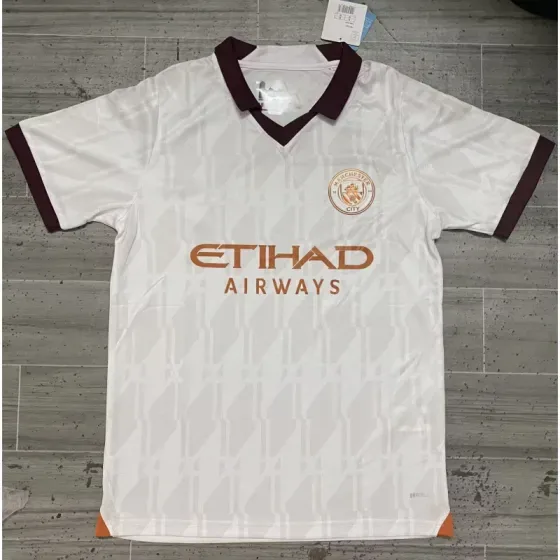
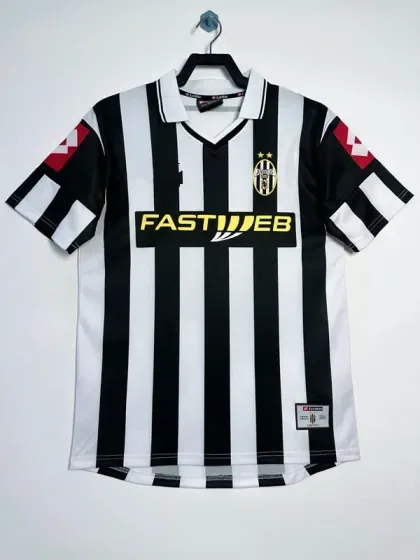
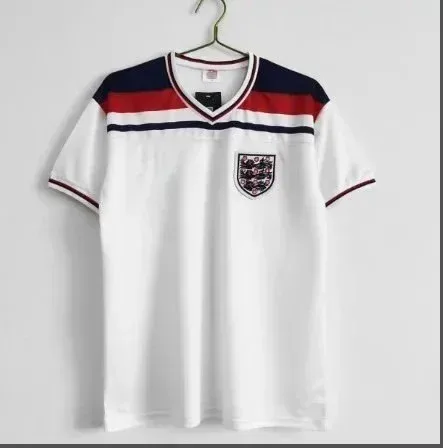
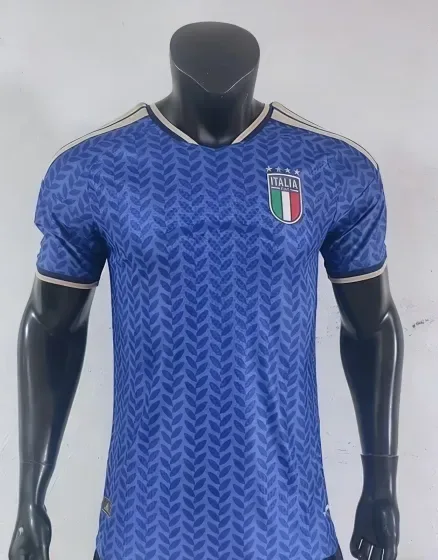
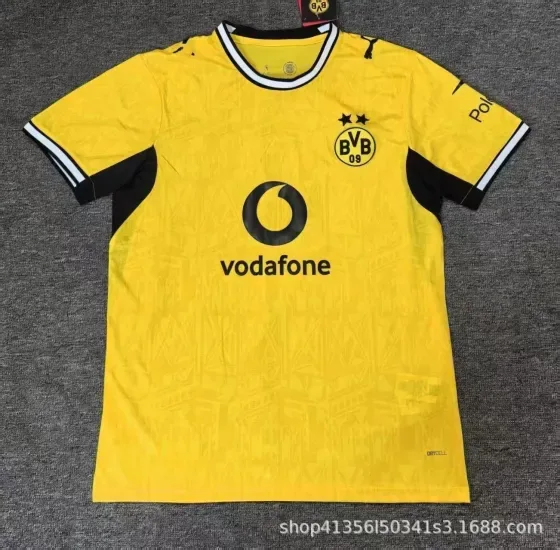
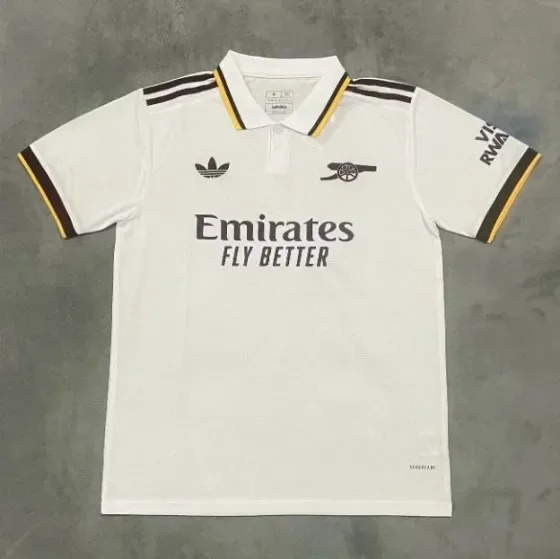
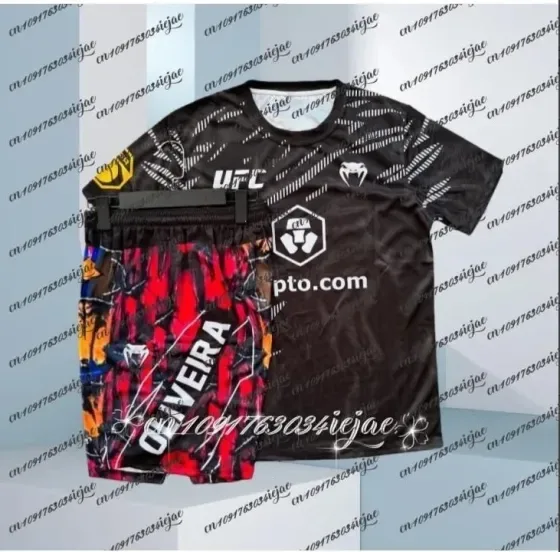
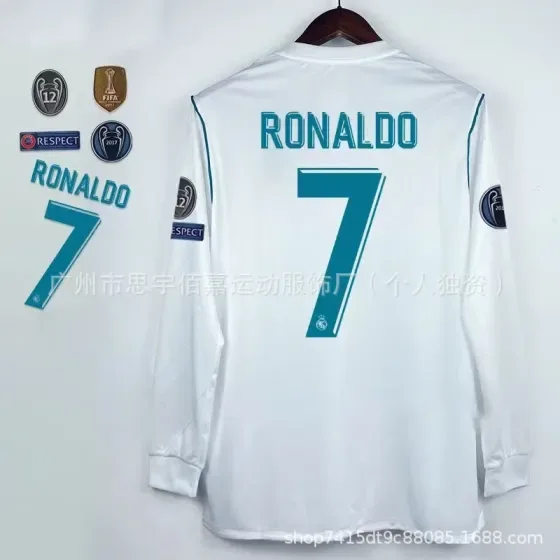
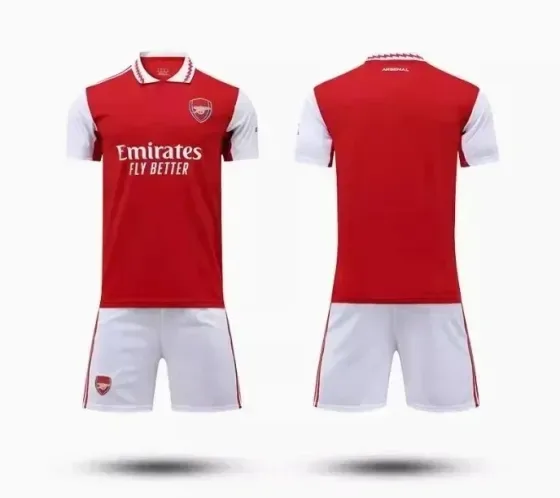
One listing can group several seasons, team colours and name or number options. A player cut may differ from a fan cut, so use the selected variant’s chart. Review print alignment and every custom detail against your order before approving international shipping.
A practical comparison
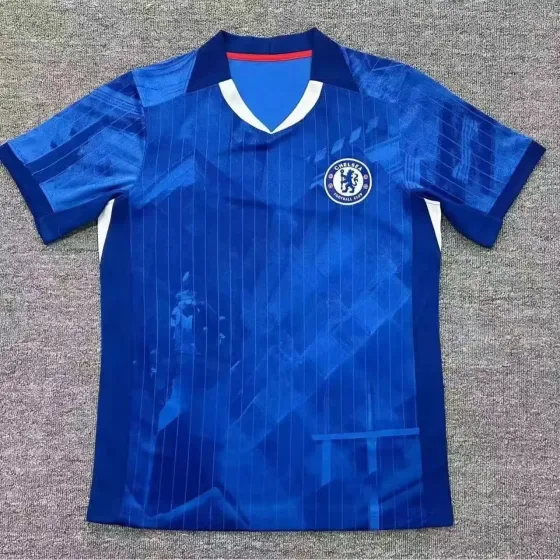
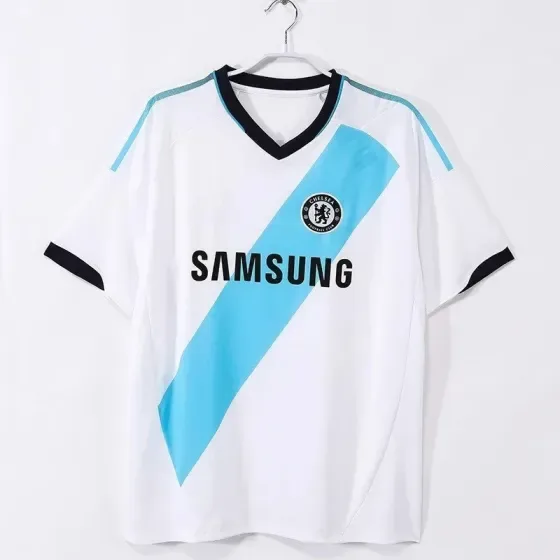
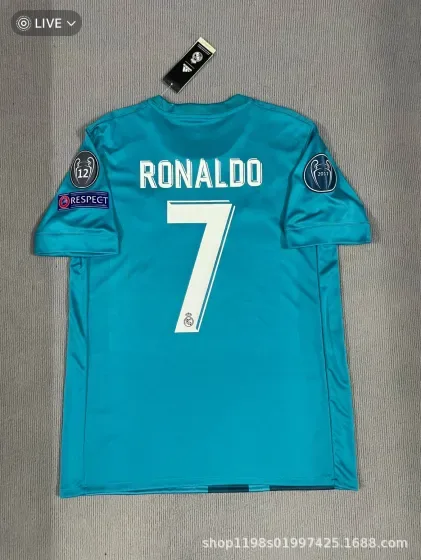
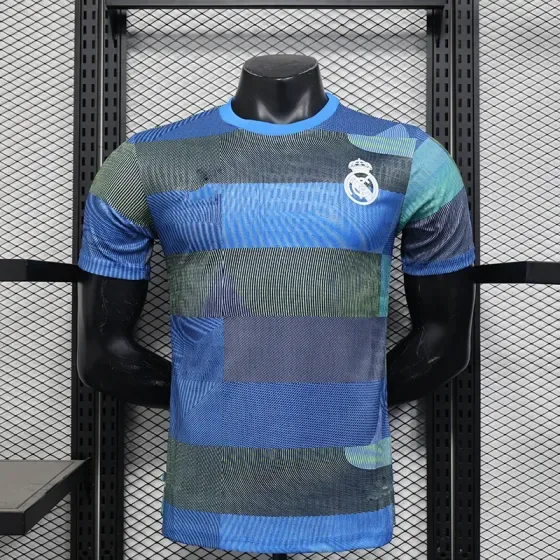
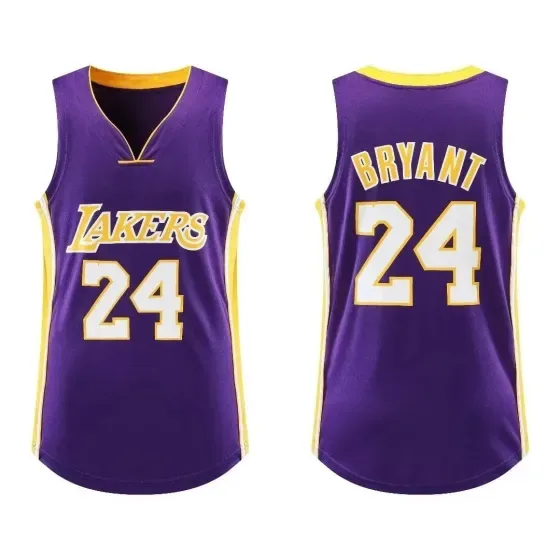
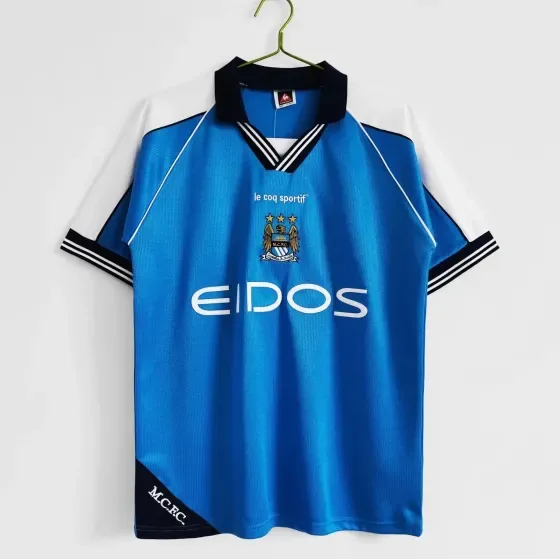
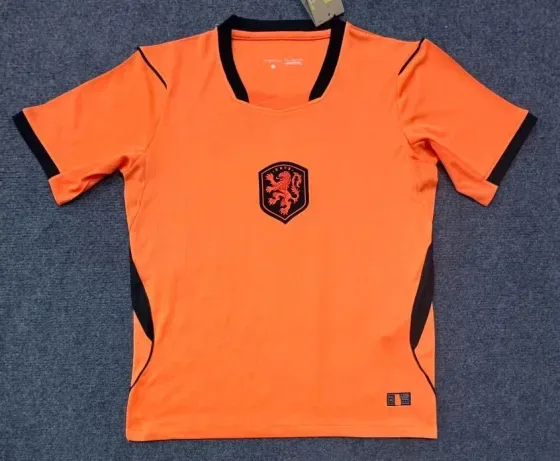
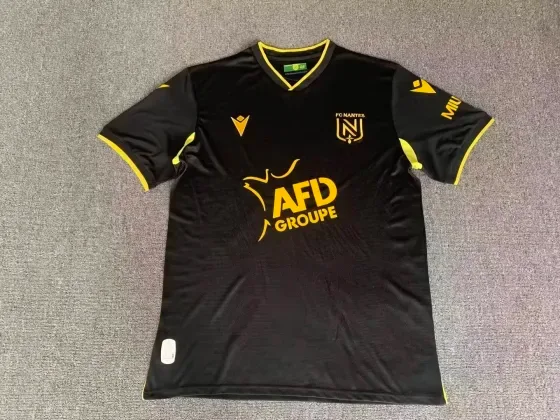
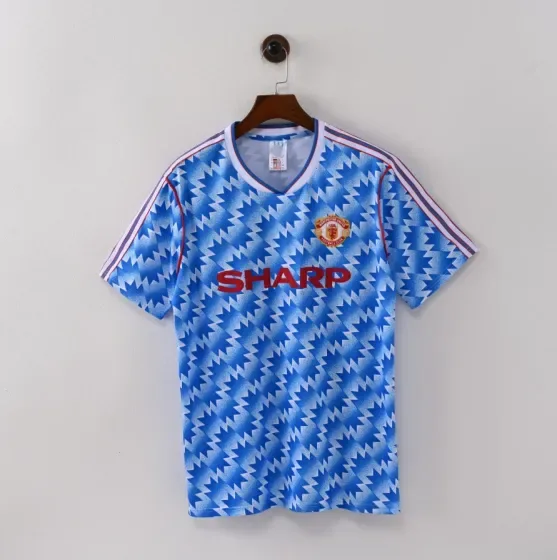
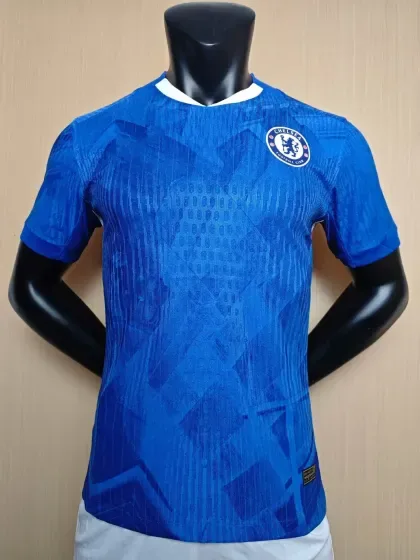
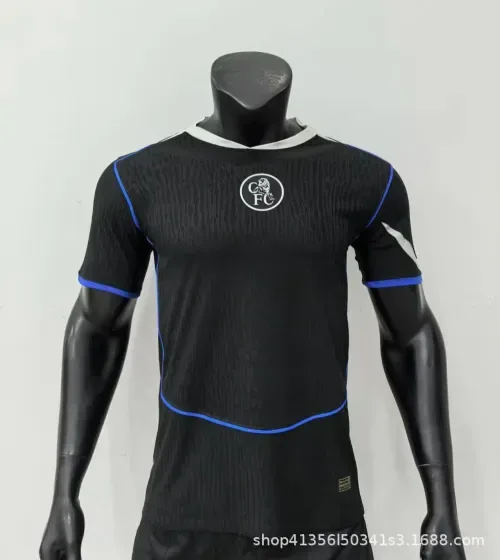
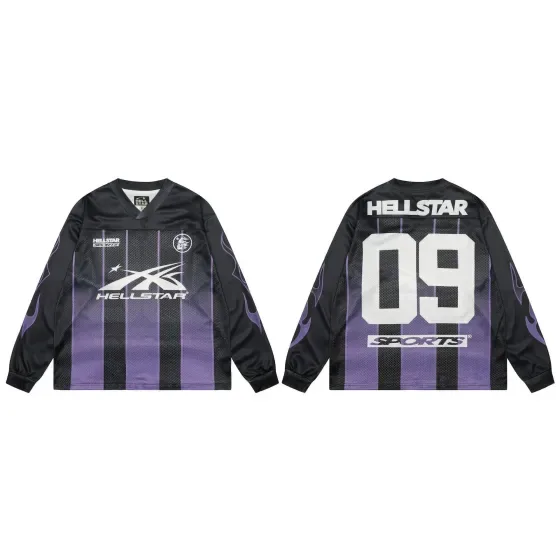
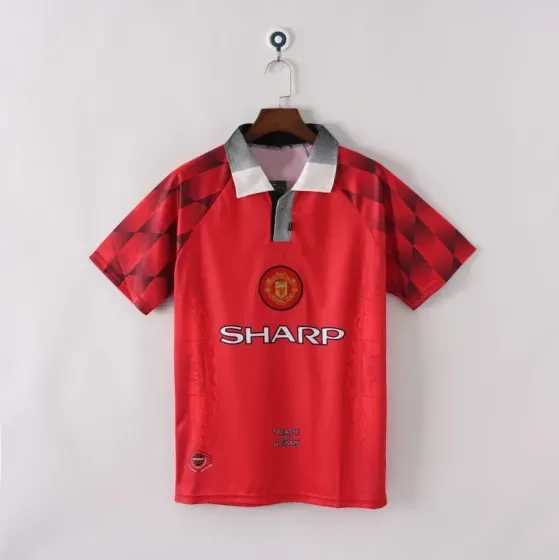
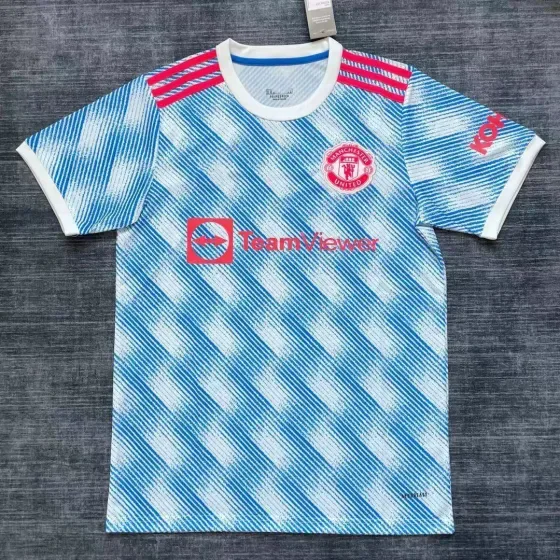
Write the team, season, home or away colour, fit type, size, name, number and patches in a single note. Compare each field with the order summary and available warehouse photos instead of identifying the shirt from its thumbnail alone.
Measurement examples explain the method; they are not specifications for a listed product.
Jerseys checklist before ordering
- Compare chest and length measurements: player and fan cuts can fit differently.
- Confirm the selected season, colour, name, number and patch options before ordering.
- Review print alignment and the size label in available warehouse photos.
Search by the detail that matters
Once you know the fit or feature you need, use a more specific search. These suggestions open shared FindsIndex results; they do not automatically select RizzitGO.
Keep the original link with your shortlist
Save the seller URL, selected variant and the measurements you compared. Check the available RizzitGO option on the destination product page, then confirm item acceptance and delivery with the provider. Our spreadsheet tutorial walks through a product-page example.
For another starting point, return to the RizzitGO spreadsheet or read the QC photo checklist before approving warehouse items.
Have a specific item in mind?
Searches the shared FindsIndex catalogue. Select your agent on the destination site.